Staying safe online – Bullguard Identity Protection review
Often, it seems not a day goes past without me giving my details to yet another website, company or subscription.
Especially at this time of year, where every new online shopping experience I chance upon (some good, some frustratingly not so good) requires my full name, address, phone number, bank details…the demands are endless.
And I get to wondering – just how safe ARE all these personal details that I give out on a regular basis, often to companies and sites that I have no real knowledge of, trusting blindly that they won’t be running off with a gleeful smile at my foolish stupidity. In just the last couple of weeks I’ve submitted bank details (magazine subscriptions), passport number (flight bookings), driving licence number (car hire) as well as giving the credit card a bit of a battering as I work through the Christmas present list…
But there is one site that I’ve just given all my details to, that I’m not worrying about. And that’s the Bullguard Identity Protection site.
Or, to give it it’s full name, Identity and Social Media protection.
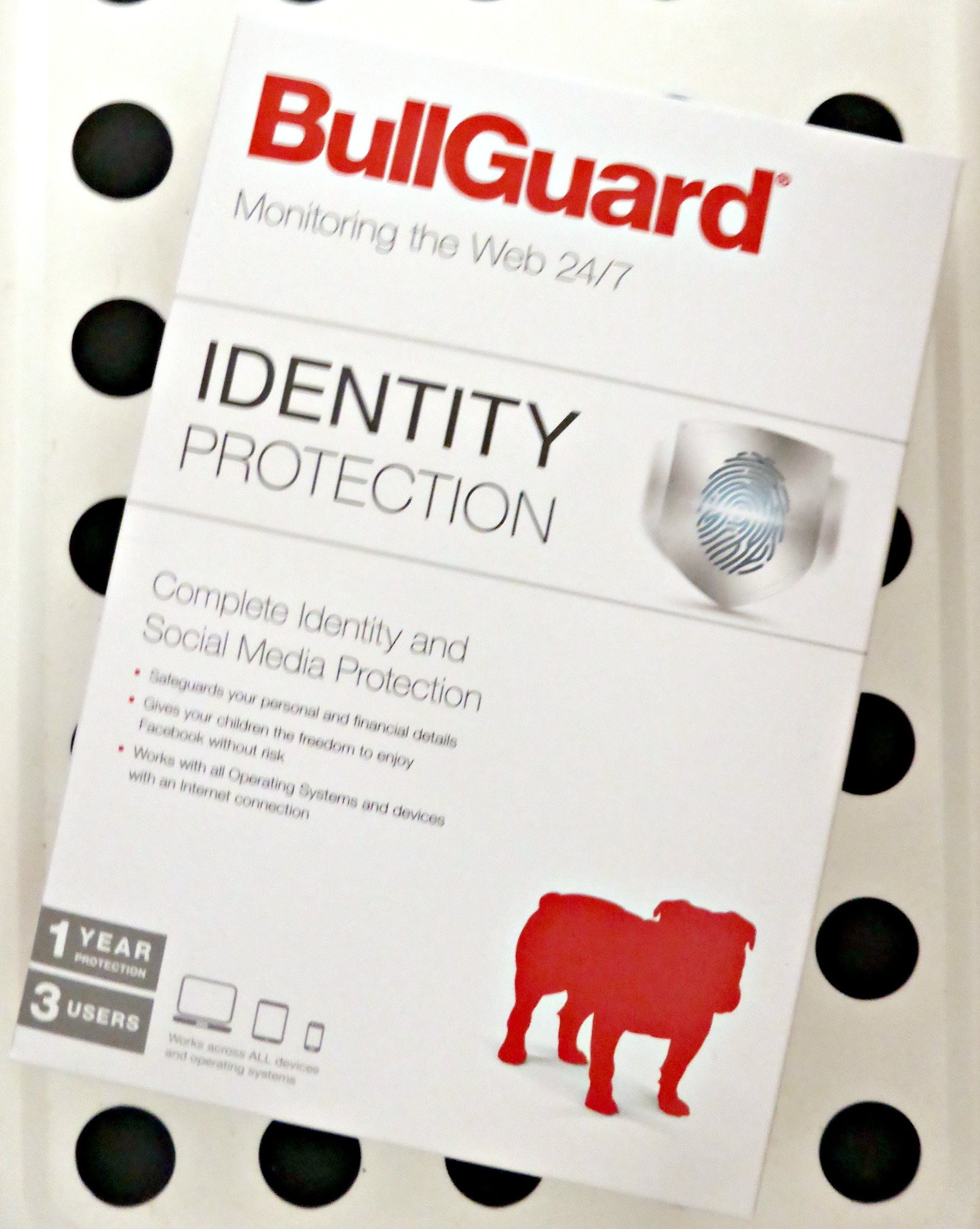 Firstly, there is ‘identity protection’ part of the service. It’s fairly comprehensive – covering usernames, email addresses, phone numbers and birth date; passport, national insurance and driving licence numbers; bank account numbers and bank card numbers too. Basically everything that could be used to steal my identity!
I did get a bit gibbery giving all this information. After all, how do I know that it won’t be taken from Bullguard?! There are however some provisos built into the information given to combat this – for example, the debit card information required is only the first 6 and last 4 digits of the card number, meaning the entire thing is not stored. Neither is the sort code of the bank account required, or any security numbers or passwords for accounts. Setting up the account and adding all my details only took a few minutes, and the instructions were easy to follow even though the interface wasn’t as intuitive as I perhaps would have liked – it did take a bit of fiddling around with various tabs to get everything set up and entered correctly, but although this could perhaps be improved it certainly wasn’t difficult to do.
I’m pleased that Bullguard is a web based service too – it means that it can be used on any internet enabled device including my Chromebook and phone (once I’ve set it up, I can access it from any of my devices without needing to add all my details again), neither of which would work with services that require installation cd’s or specific software to run.
So now I am safe in the knowledge that I’ll be alerted should misuse of my details be detected – something which has happened to me in the past and I know that it really isn’t a nice experience, so the sooner it can be dealt with the better.
And then there is ‘social media protection’.
This is aimed at keeping children safe online (through flagging malicious links, messages with possible inappropriate content, interaction with ‘friends’, and potentially inappropriate photos for example), although I do think the name is a bit misleading given the fact that there are many, many different social media sites favoured by kids, and Facebook – the only one which is protected by Bullguard – is just one of them. However, I do believe it is a useful service, and something that I’d definitely sign up for once my kids stop spewing out unintelligible strings of characters in my owns statuses and start spouting gibberish in their own (they’ve got a few years yet before they are officially ‘of age’). Although it might seem a little bit…well, stalkery…with the Wee Man having started school and already being subjected to the odd nasty comment here and there, I can also see how it would be a great tool in monitoring potential bullying too; and that is surely worth the trade off of discreet monitoring rather than brazen parental hacking into of accounts or even constant watching over shoulders (I know my own mum would have LOVED to have had this kind of service available when I first started using compuserve chat when I was 13!). And if in the future it could be extended to include other sites, that would be even more awesome!
In fact, Bullguard have actually done some research into the ‘snooping’ activity of parents, and after speaking to 200 of them with children aged 10-17, these are the top ten sneaky snoopinesses they identified:
So that’s my explanation of it, but to hear what Bullguard say about it themselves, you can watch their friendly little video:
http://www.youtube.com/watch?v=2fCM9vkjskY
It costs £36 a year and really, considering the time and money it costs to rectify identity theft situations and the emotional issues that can potentially be avoided, that’s well worth it in my opinion.
So now I can get back to shopping, safe in the knowledge that my bank balance is at risk only from myself 🙂
Disclosure: I was given a licence code for Bullguard Identity Protection by Tots100 for the purposes of writing this review.


Leave a Reply