Watching in harmony – the YouView review
The Other Half has this annoying habit of watching football.
I really don’t like football.
Watching it live is ok, but sitting in the front room, making sudden and loud declarations at the tv? I just don’t get it.
But then of course, he doesn’t get why I love watching House, either. ‘It’s the same each week’ he moans. (Yes but it’s HOUSE and he’s just so grumpily, abruptly brilliant and charming…)
So if we both fancy a bit of staring at the goggle box, we are stuck – we only have one functioning TV. And inevitably, if the football is on then he wins the toss, since the football is live and the House is generally recorded (I very rarely get to watch programmes when they actually happen!).
We can’t afford a multi room sky subscription, and standard watch-it-when-it’s-on TV doesn’t work for me…so I reckon it’s time to try YouView.
So, YouView – what is it, actually?
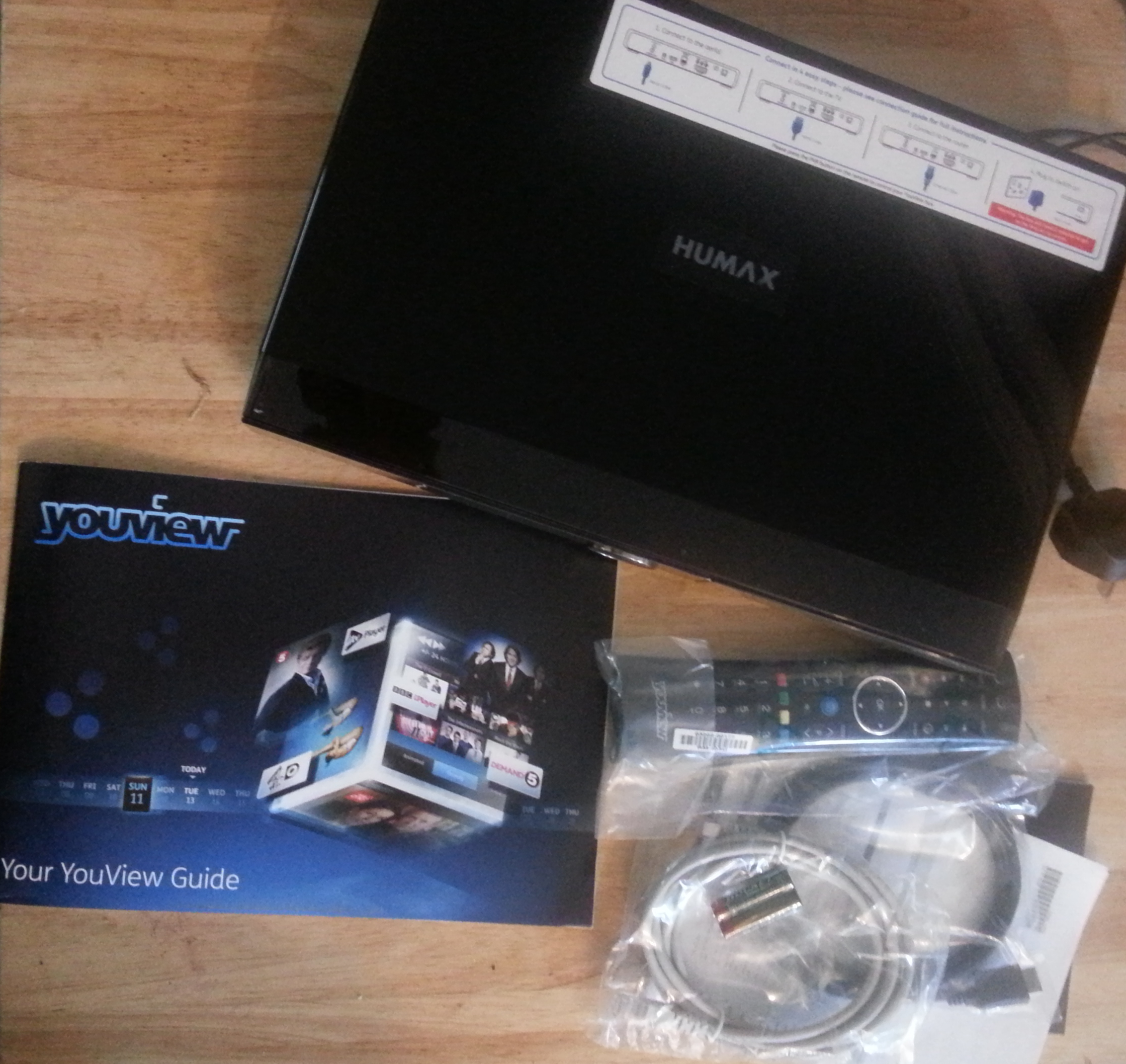
Well it’s basically a box that does amazing things for your television.
Or, to clarify in more technical terms, it is a digital tv recorder. BUT not only does it record television, it also allows you to live pause, rewind, and access the last seven days of on demand catch up television using the scroll through TV guide. Plus, it allows remote access using an app, and has parental controls which mean you can tailor your settings to make sure that your little ones aren’t watching anything they shouldn’t.
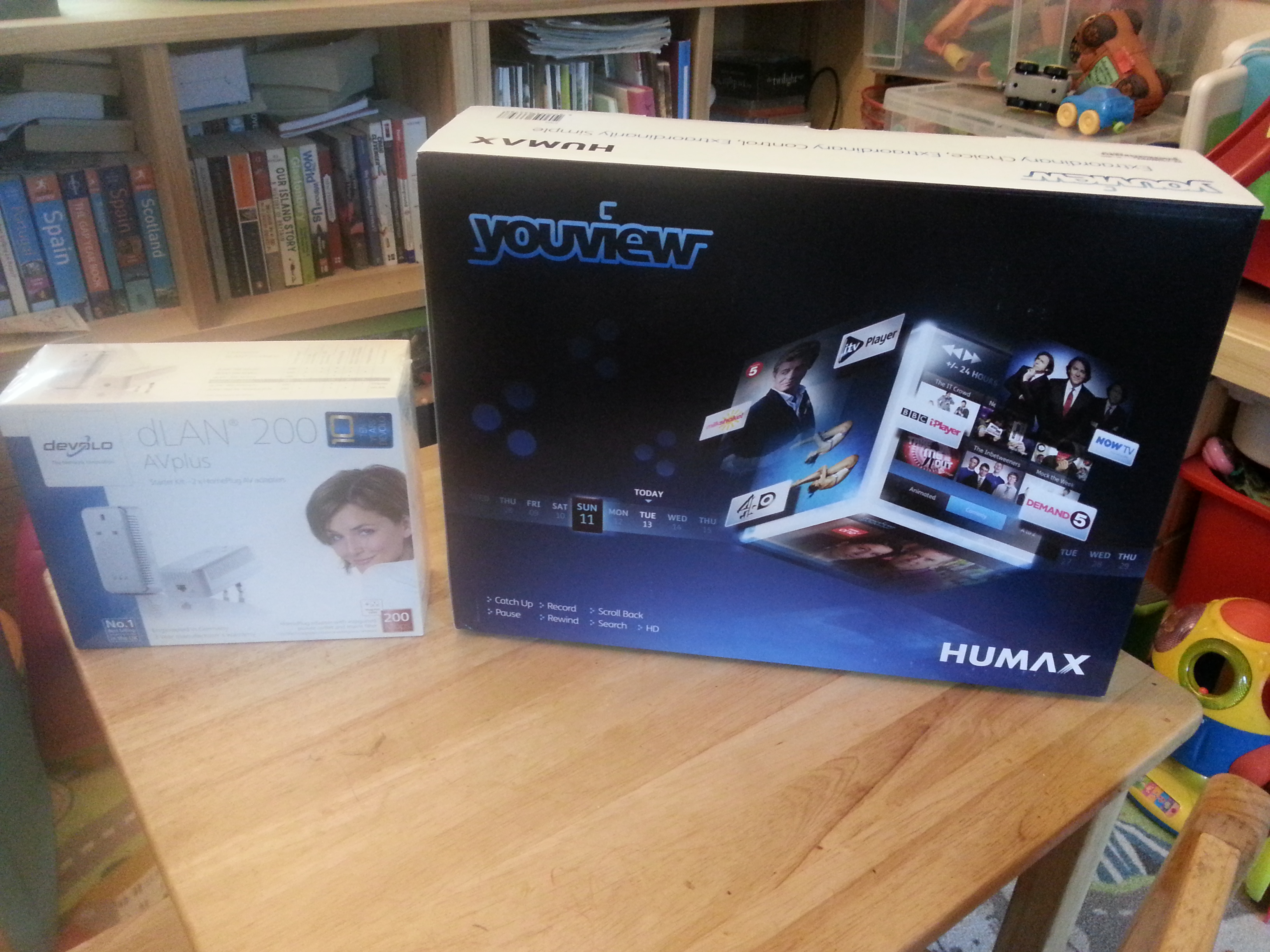
The Ethernet extender:
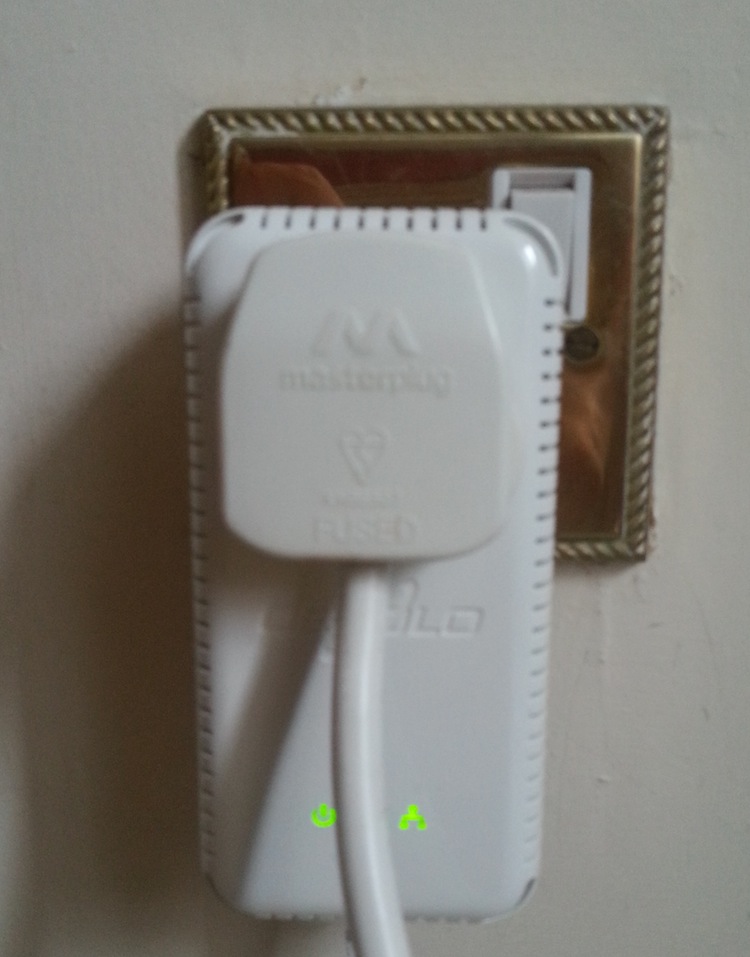 This is not included, but happily I was provided with one since unless your broadband router happens to be right next to your tv (and in my case it certainly isn’t as the router is downstairs and the tv is upstairs) you will end up with giant Ethernet cables winding all around your house.
The Devolo AG system prevents this problem by turning the wiring of your house into a network. You plug one unit in and connect it to your router, and plug the second unit in and connect it via Ethernet cable to the YouView box.
And it really is that simple! I plugged them in, the connection lights lit up, and I was ready to proceed with mission YouView using…
And I’d like to say it was that easy –
1/ plug in aerial CHECK
2/ plug in HDMI lead CHECK
3/ plug in Internet CHECK
4/ plug in box, turn it on and…
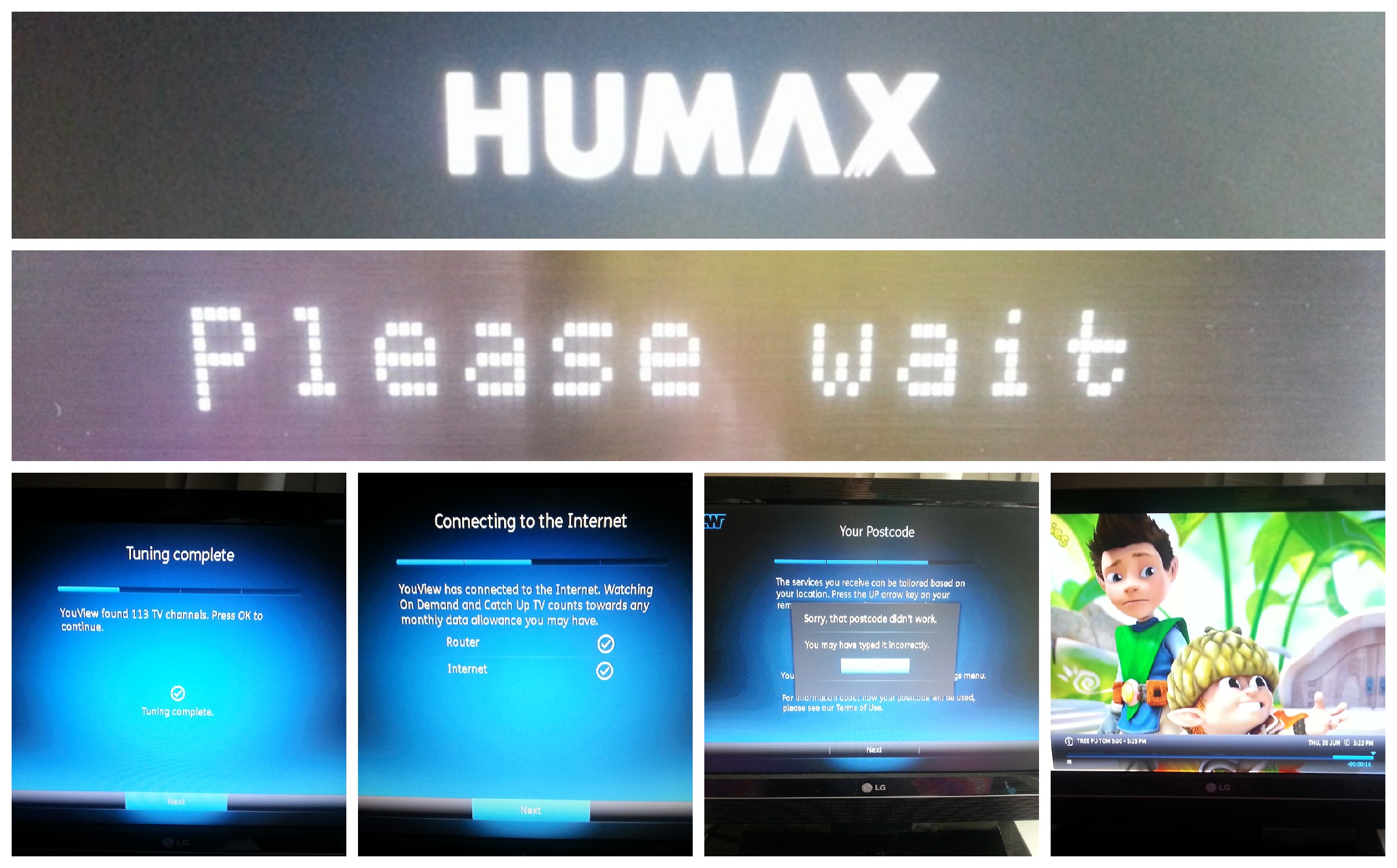
Well, then wait.
And then, wait while it tunes in.
And then, wait while it downloads the latest software.
And then, PLEASE WAIT while it reboots.
And then, finally then…go through the setup.
Which actually went fine until it wanted my postcode, which I dutifully typed in, and then was told was incorrect and had too many digits. ‘Cause it has seven digits where I live. So I tried again. Then I tried the six digit postcode of my old house…and apparently that doesn’t exist either.
So at that point, shaving browsed the online support forum and seen that others had written of the same problem yet no solution was given, I phoned the customer support hotline.
And they were very helpful 🙂 One manual reboot later and Suddenly there was Tree Fu Tom in all his glory!
Mission 2: Figure out parental controls

Changing my pin was easy. Setting the security question was easy. And then I changed the controls to pin protect anything rated above PG, and anything on demand that was broadcast after the watershed. Lucky really, as the Wee Man has already figured out how the system works and I’ve had to hide the remote control!
Mission 3: Set up remote record
No, I’m not talking about that little black buttony stick thing that tv’s have. Although, there is one. What I mean is that you can control the You View remotely, as in, when you’re out and about and you suddenly realise you forgot to set the latest Mock The Week to record.
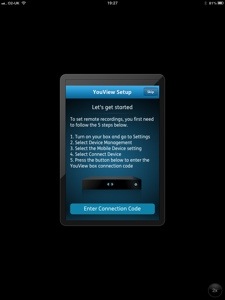
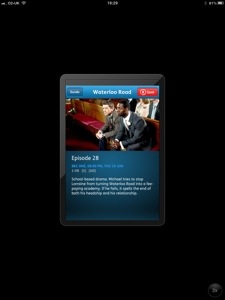
I downloaded the app for my iPad, and then had to enter a code generated by the YouView box to link it up. Two minutes later, and Waterloo Road was set up on series link without me even needing to be in the house! I can see that getting a LOT of use in the future as I’m always cursing my forgetfulness when it comes to remembering to record things.
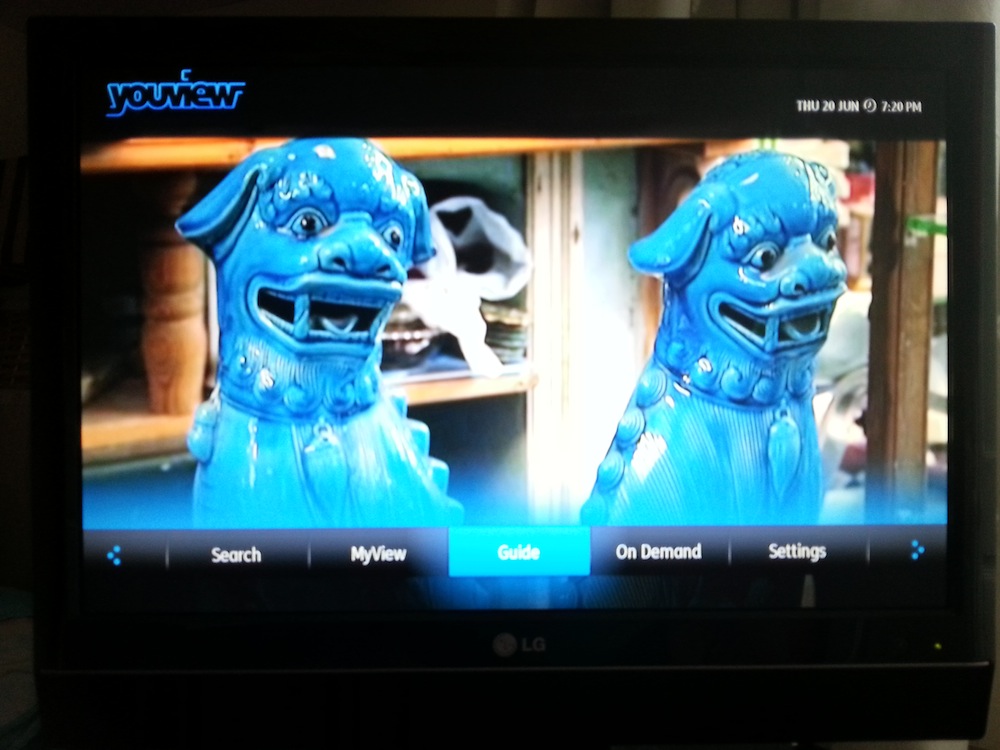 As you can see, I found two blue dogs to look at. But if that’s not your bag, there are plenty of other channels to choose from, as well as all the catch up from the last seven days with only the click of a couple of buttons. Bubby D is amazed that Iggle Piggle can come out to play within the space of seconds, thanks to the clear and easy to navigate menus. I love that I can fast forward it easily, and also that I can pause and rewind when I’m watching something if I’m interrupted – something that tends to happen fairly frequently.
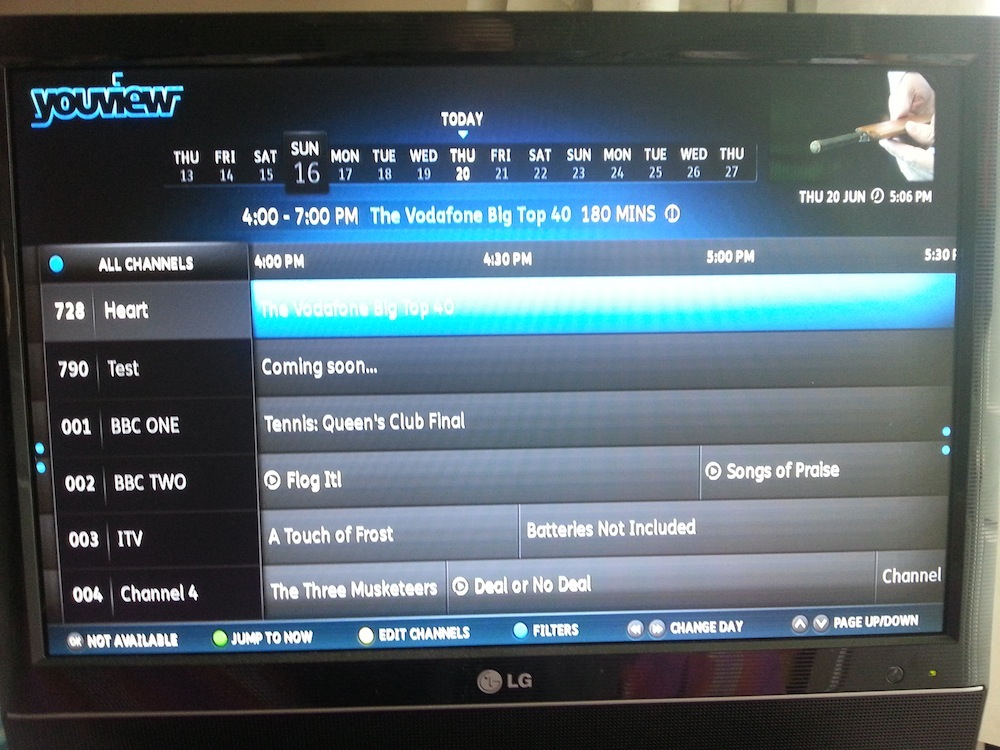
Mission 5: remind Other Half that the You View is MY gadget. Hands off!
I am a member of the Mumsnet Bloggers Network, a group of parent bloggers picked by Mumsnet to review products, services, events and brands. I have not paid for the product or to attend an event. I have editorial control and retain full editorial integrity.


Leave a Reply